
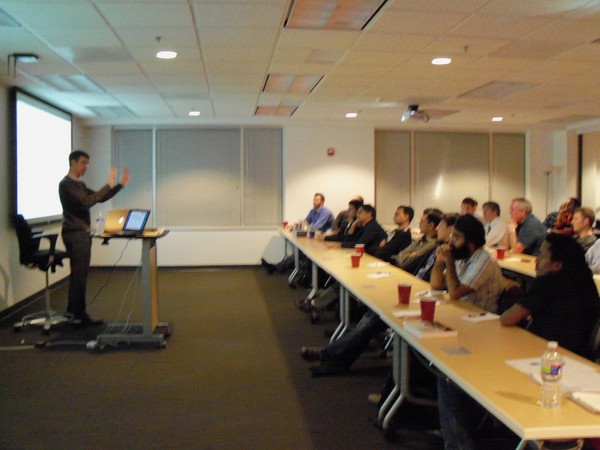
Juice's Jon Buffington took center stage at the National Capital Area Google Technology user's group in the D.C. area recently and busted some fancy moves. And, you should have seen him once his presentation started. Taking the group through the process of designing and implementing an interactive data visualization using Google Web Toolkit (GWT), Jon also incorporated DOM, Canvas, SVG, ReST and Scala browser and server technologies to complete the information experience.
GWT is an open source development toolkit for building and optimizing complex browser-based applications, and is used by many products at Google, including Google Adwords and Orkut.
Armed with a tutorial, Jon compared browser graphical techniques and their respective technologies compatible with GWT. As exhibited in this little gem, Jon simplified the visualization down to a basic bar chart, making the similarities and differences between the technologies amazingly clear. (Yo, Jon.)
Download the presentation, and adopt some formidable moves of your own.
Jon leads our product development team here at Juice, and crafts ingenious software technology that transforms data into information experiences. You can check out more of his work, specifically, here.
We’ll let you guys know where we’ll be next. Or, if you really want to keep up, sign up for our RSS feed and/or follow us on Twitter. (Hint: We share lots of little tidbits on Twitter that we don’t share a-n-y-w-h-e-r-e else.)